> For the complete documentation index, see [llms.txt](https://docs.wprelay.com/llms.txt). Markdown versions of documentation pages are available by appending `.md` to page URLs; this page is available as [Markdown](https://docs.wprelay.com/getting-started/upgrade.md).
# Upgrade
Learn how to upgrade the WPRelay plugin from the Free version to the PRO version using this simple guide for the plugin.
{% hint style="info" %}
Haven't yet purchased the WPRelay PRO?
[Buy WPRelay PRO](https://wprelay.com/pricing/)
{% endhint %}
Here's a quick overview:
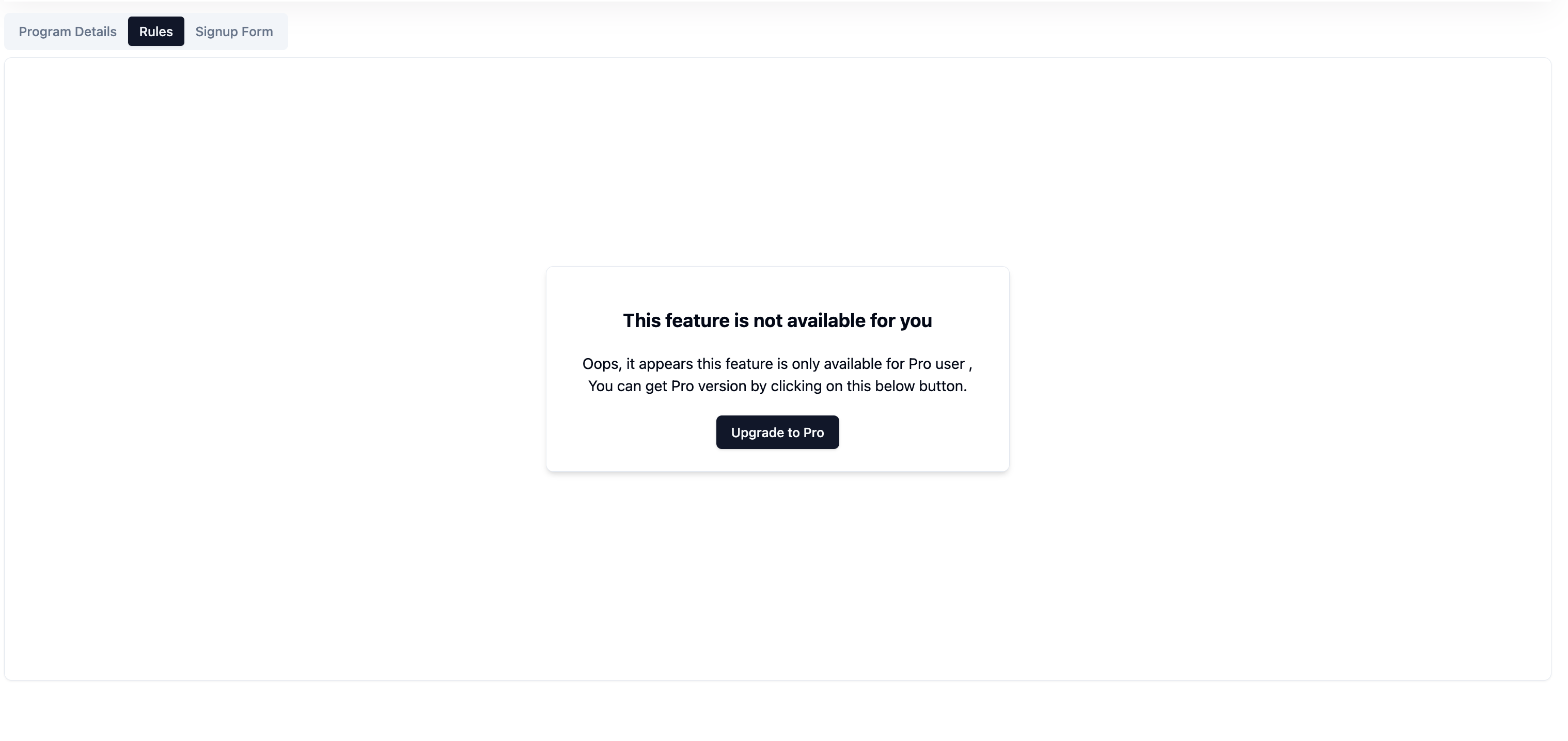
**Page showing free version**
Click on the upgrade option and you will be navigated to our official WPRelay website.
**Purchase the Pro Version**:\
Visit the WPRelay website and choose the pro plan that suits your needs. Complete the checkout process to obtain your license key.
**Still Unclear?**
If you need any assistance, please create a [support request](https://wprelay.com/support/) in our ticket system. We are always happy to assist you :)